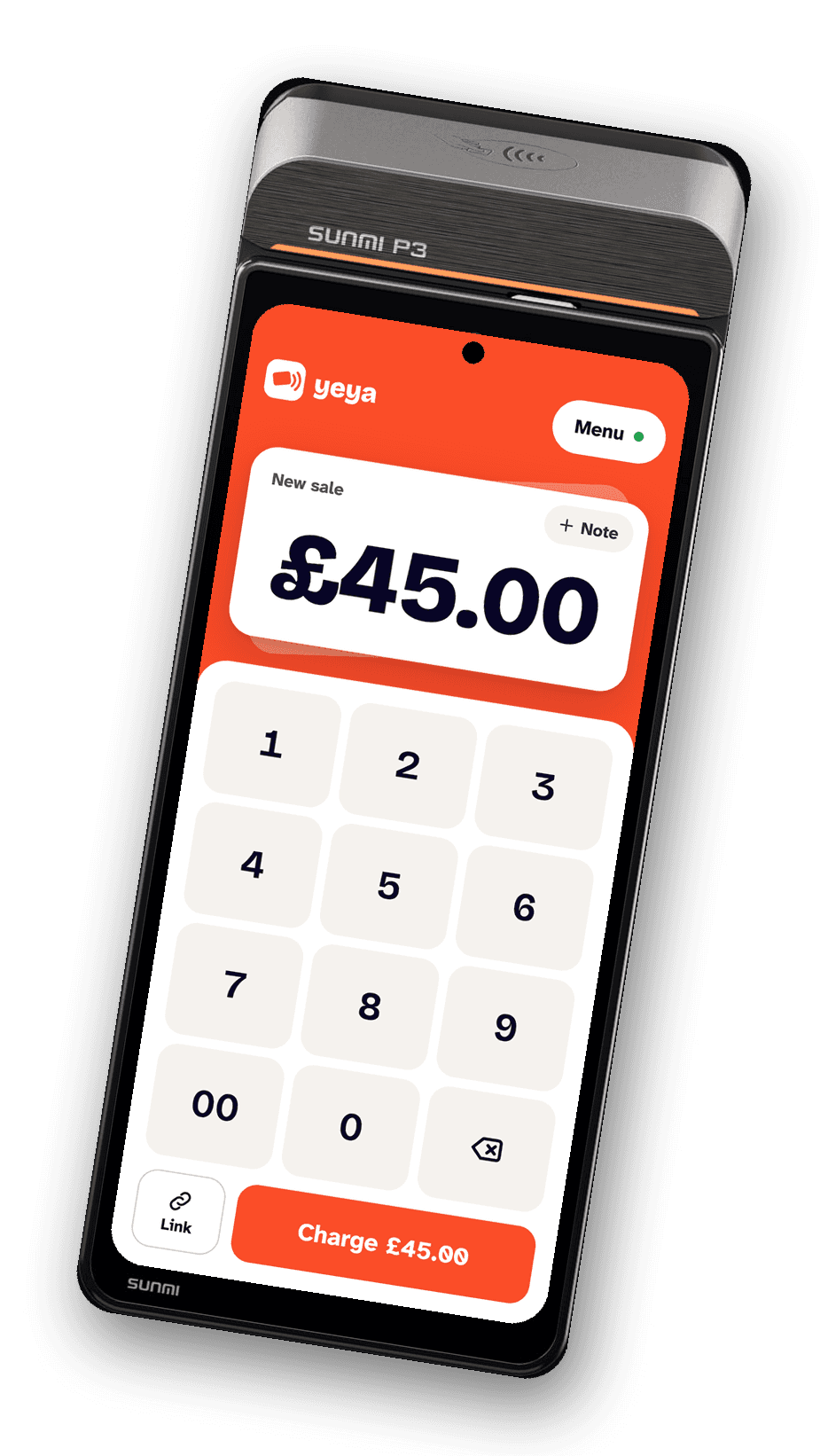
Terminal app
Set up a card machine in three steps.
- 1Install the viva.com Terminal appOn your supported terminal. It takes the card tap.
- 2Install the terminal appOpen this page on the terminal and download the APK below (or copy it over USB), or ask your partner for their branded build. When Android asks, allow installs from the browser, then tap Install.
- 3Enter your pairing codeOpen the app: it shows a 6-digit code. Enter it in your merchant portal under Card machines.
Supported terminals: SUNMI P3 Scan, PAX A8900, SUNMI P2 SE, PAX A77, SUNMI P3 Mix, SUNMI P2 Lite SE, PAX A80 (White), PAX IM304G, CIONTEK CS50C, CIONTEK CM30C, CIONTEK CM30P. Every supported terminal is sold by viva.com in the UK and runs the viva.com Terminal app. See the list
Download for Android (APK)Version 1.0.23 · 53.9 MB · Android
SHA-256: caf7630dead88ffac1e78bd0a731f802bf073891b0abc3f052b529788aba3cd2
Check it matches before installing. Only install builds from this page or your partner.
Didn't install?
- “For your security, your phone is not allowed to install unknown apps from this source”
- Tap Settings on that message (or Settings → Apps → Special app access → Install unknown apps), pick the browser or file manager you downloaded with, turn on Allow from this source, then go back and tap Install.
- “Installation blocked by administrator”, “Blocked by your admin”, or the Install button does nothing
- The terminal is locked to the viva.com Terminal app by the SUNMI device-management account it is bound to (viva.com manages its SUNMI terminals). No file will install until whoever manages it (viva.com, or your partner if the device is in their SUNMI Partner Platform) allows the app or pushes it to the device. Contact your partner or Yeya support with the terminal's serial number.
- “App not installed”, “App not installed as package appears to be invalid”, or “conflicts with an existing package”
- The download is incomplete or a different build of the app is already on the device. Check that the SHA-256 matches, download again, and if an older copy of the app is installed from somewhere else, uninstall it first.
- “Blocked by Play Protect” or “Unsafe app blocked”
- Only on devices with Google Play. Tap More details → Install anyway. SUNMI card terminals do not have Google Play, so this message does not appear on them.